- calendar_today August 22, 2025
Copilot, the assistant tool expected to take the front stage in Windows 11 this fall, is often linked with Microsoft’s AI journey. Beyond the big names and press releases, though, Microsoft is working on something maybe more significant. Rather than releasing yet another artificial intelligence app, the company is including clever elements right into the daily use of the existing apps. Microsoft is testing a suite of artificial intelligence improvements for built-in Windows apps, including Photos, Snipping Tool, Camera, and Paint, claims a recent Windows Central article. Though none of these developments shout “cutting edge,” they are preparing Windows for a more subdued, pragmatic AI revolution.
Optical character recognition, or OCR, is among the most practical enhancements under development. Manually re-typing a quote, a Wi-Fi password, a restaurant menu, or any other screenshot you have ever taken will be frustrating. OCR takes that step out of view. Built into tools like Snipping Tool and Photos, it will be easy for you to just choose and replicate text straight from an image. Apple users have delighted in Live Text on iOS and macOS for some time now; for Windows users, this is a long-overdue and highly welcome tool.
OCR is only one improvement under trial. Microsoft is also developing more intelligent photo handling in the Photos tool. The aim is to let you separate objects, people, or pets from your pictures with just a few clicks once automatic recognition of them is enabled. You could thus eliminate backgrounds, raise objects out of pictures, or emphasize a single subject with practically minimal hand editing. Usually reserved for sophisticated design tools like Photoshop, this kind of capability is something Microsoft wants to make a standard part of the Windows photo experience.
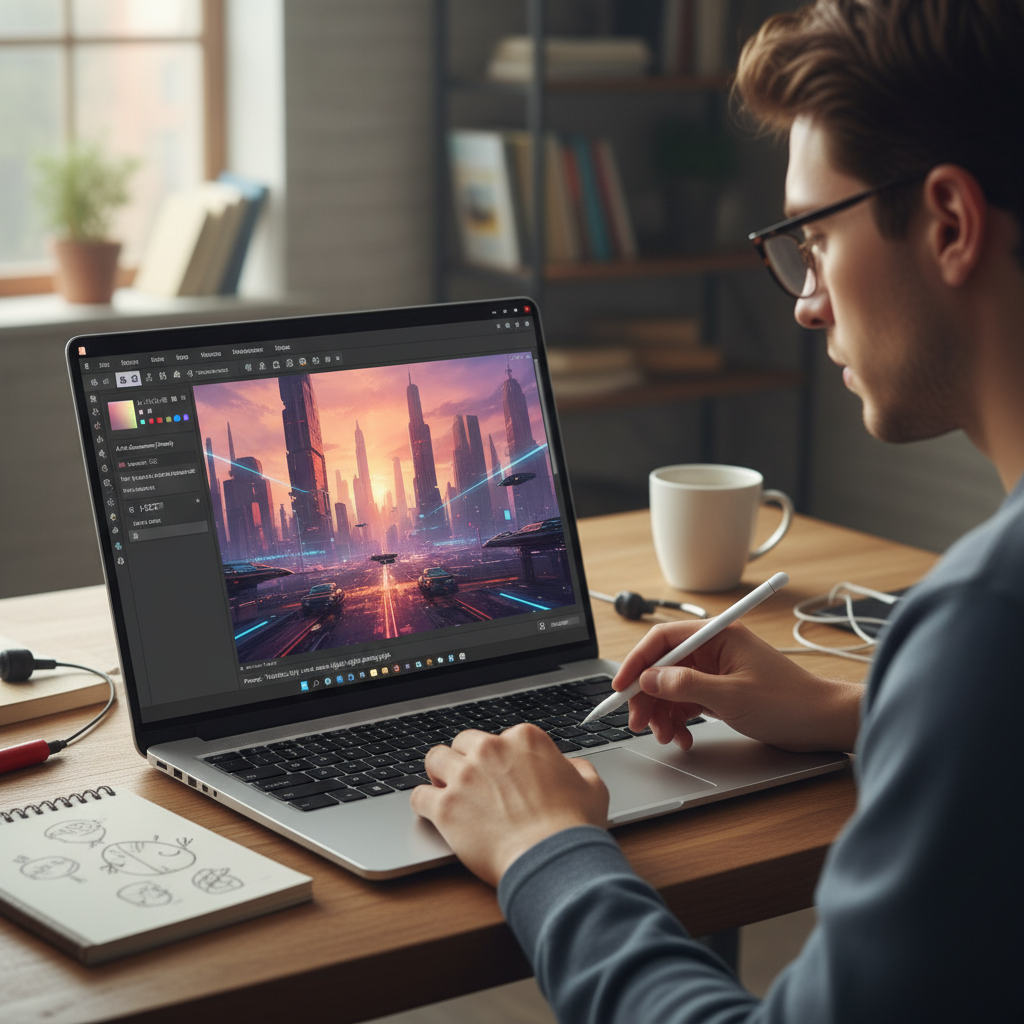
More unexpectedly still is what Microsoft Paint is going to offer. Indeed, generative artificial intelligence is improving the same Paint tool you might have used for grade school doodling. Microsoft is allegedly testing a function whereby users enter text prompts such as “a spaceship landing on a frozen lake” or “a jungle filled with glowing animals,” and have the app generate an image based on that prompt. This capacity is derived from the same type of technology driving Bing Image Creator, more especially, OpenAI’s DALL-E model. Should Paint be successful, it may evolve from a simple drawing tool to an entry-level artificial intelligence art generator for casual consumers.
None of this, though, would be possible without the proper hardware. Microsoft is depending on Neural Processing Units, or NPUs, to rapidly and effectively handle AI chores, especially image generation and recognition. Designed to manage AI workloads more effectively than conventional CPUs or GPUs, these are specialized chips. Although ARM-based CPUs from Qualcomm have long supported NPUs, now AMD and Intel are joining the party. NPUs abound in both AMD’s Ryzen 7040 series and Intel’s forthcoming Meteor Lake CPUs, so enabling local AI tasks will become rather more common across Windows PCs.
Local running of AI operations on your device has several benefits. First of all, it’s quicker. There is no waiting for cloud services to handle your demand. Second, it’s more private. Your device keeps your files and pictures, thus there is less worry regarding data being shared or kept elsewhere. Ultimately, it uses less energy as well. By performing AI tasks using less power than CPUs or GPUs, NPUs are optimized to help preserve laptop battery life.
Windows 11’s use of NPUs is now limited to call noise suppression and video background blurring. These new app improvements, however, point to a larger future in which common tools gently use artificial intelligence to streamline your workflow without overloading you with choices or interfaces. It is a change toward invisible knowledge. These instruments will improve your experience rather than cause interruption.
Microsoft is not acting here in order to create buzz. It’s about subtlety. These updates won’t call for users to alter their working style. Rather, they improve already familiar things. And in a society when new technologies sometimes have a learning curve, AI that just works—right where you already are—is quite refreshing.